
If your store gets meaningful organic traffic, most of it should land on category pages — not your homepage, not blog posts. Category pages match how people actually shop: they search for a product type, not a specific SKU. Yet most stores treat them as bare product grids with zero optimization. This guide covers how to turn category pages into your highest-earning organic assets.
Why category pages outrank everything else
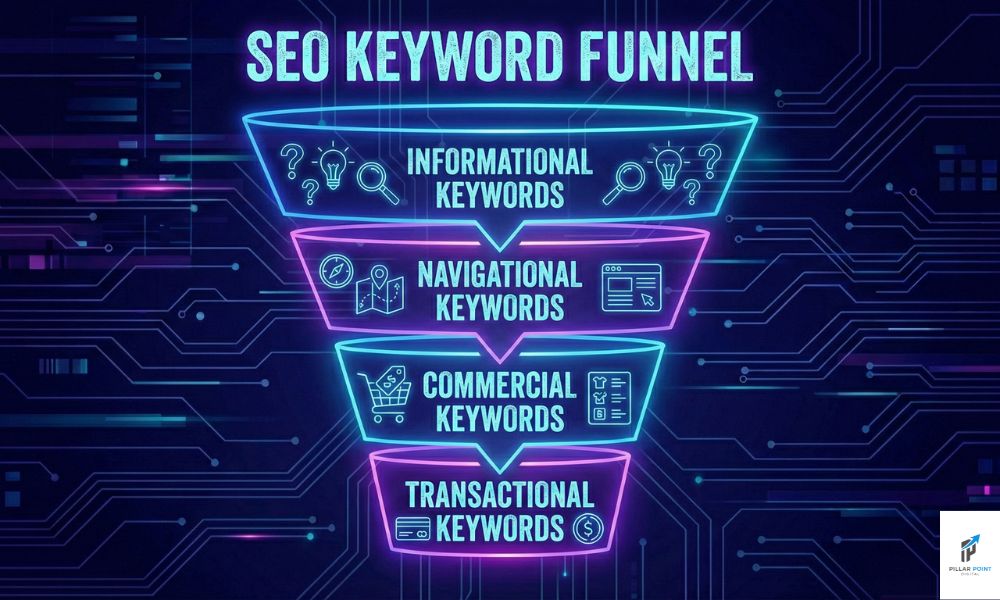
For commercial queries like running shoes for flat feet or industrial shelving, Google overwhelmingly ranks category and collection pages, because the searcher wants options to compare. A blog post targeting that term competes against the intent itself. Map every commercial keyword to a category page and reserve blog content for informational queries — this single architectural decision separates stores that rank from stores that do not.
The anatomy of a category page that ranks
1. A keyword-matched H1 and title tag
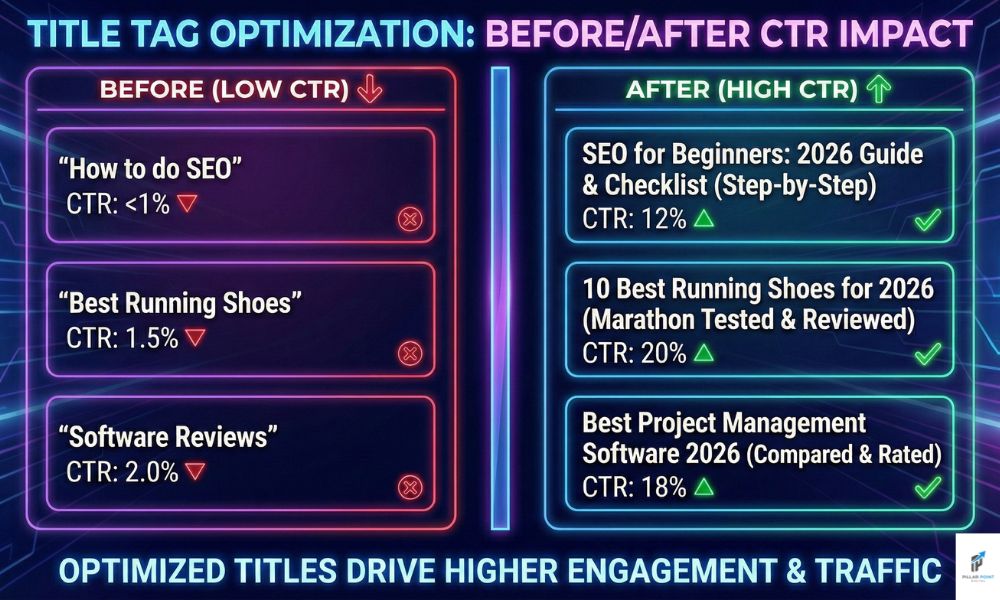
The H1 should name the category the way searchers do. Internal jargon loses to plain language every time. The title tag adds the differentiator: free shipping, expert support, price range.
2. Useful copy, placed wisely
150 to 300 words that genuinely help someone choose — sizing guidance, material differences, what to consider. Place a short intro above the grid and the deeper guidance below it, so products stay visible. Keyword-stuffed boilerplate hurts more than it helps.
3. Smart subcategory linking
Link down to narrower collections and across to sibling categories. This builds the topical structure crawlers use to understand your catalog — and it mirrors how shoppers refine.
4. Faceted navigation under control
Filters generate URL combinations exponentially. Decide which facets deserve indexable pages (ones with real search demand) and canonicalize or noindex the rest. This is the most common technical leak we find in store audits.
5. Schema and freshness signals
ItemList markup, breadcrumbs, and visible signs of life — stock status, review counts, recently added products — all reinforce that the page deserves to rank.
How many category pages should you have?
As many as there is search demand for — and no more. Run your keyword research, find the modifier patterns with volume, and build collections to match. A store with 40 demand-mapped collections will beat a store with 400 arbitrary ones.
Internal linking: the multiplier
Category pages rank when authority flows to them. Homepage links to your money categories. Blog posts — buying guides, comparisons — link to the relevant category with descriptive anchors. Our full ecommerce SEO checklist covers the complete linking pattern.
Want a teardown of your category architecture? Our ecommerce SEO agency does exactly this — start with a free SEO audit, or see the results it produced for stores like yours.